Guide: Botsitting Time Tracker
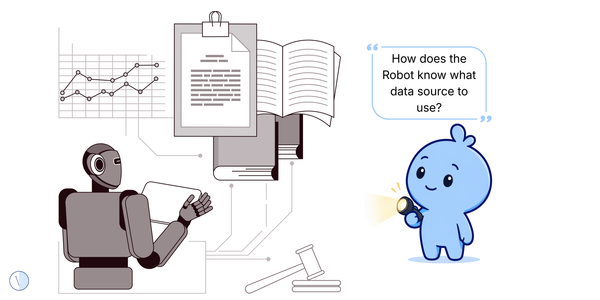
If humans are babysitting the AI, that time belongs in the AI cost story. AI is now common enough that a lot of hidden work is becoming the new normal.
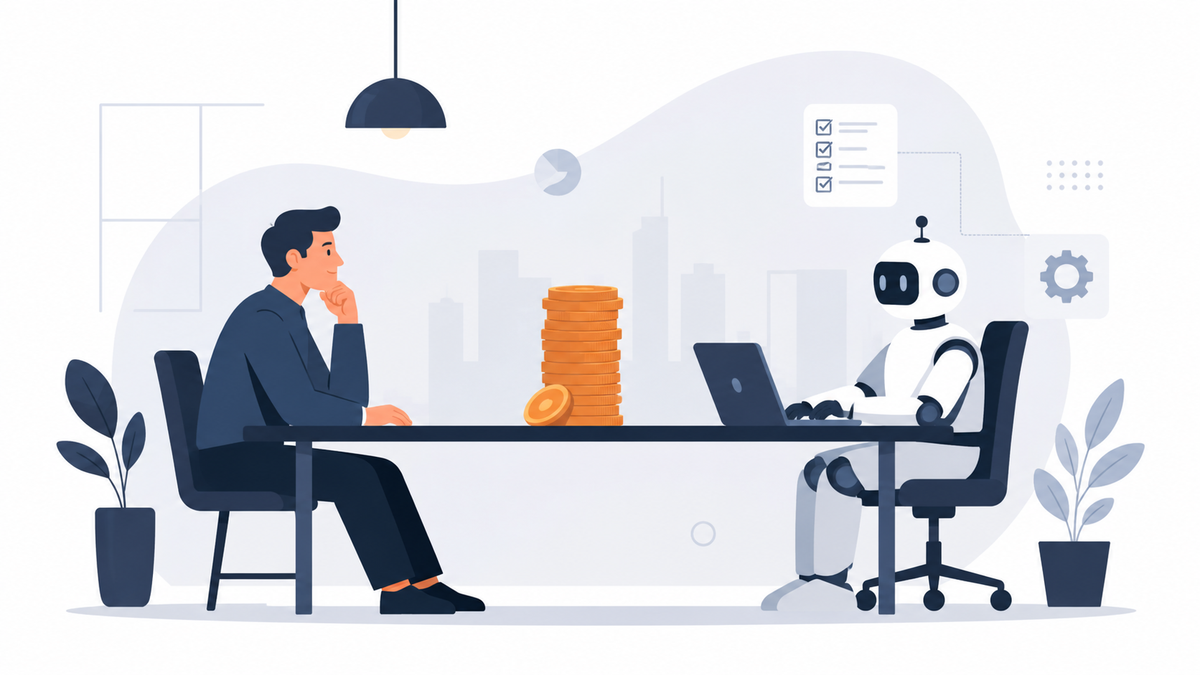
Botsitting Time Tracker
A simple tracker for measuring the human time spent making AI output usable before the productivity story gets too confident.
If humans are babysitting the AI, that time belongs in the AI cost story.
What this guide helps with
This guide helps workers and managers record the hidden supervision time around AI: context-feeding, checking, correcting, prompt refining, rerunning and explaining. It is especially useful when everyone feels AI is helping, but nobody knows where the saved time went.
Why now
AI is now common enough that a lot of hidden work is becoming normal. People may spend hours a week making AI useful while still calling the workflow automated. That gap needs a simple tracker before it becomes folklore.
The pattern
The pattern is that workers absorb AI supervision as if it is just part of being modern. However, when enough people do that quietly, the organisation undercounts the true workload and overstates the benefit.
The check
Do not try to measure forever, start with one normal workweek. Ask people to log only the AI tasks they actually use, not every possible use case. A short window lowers resistance and gives enough evidence to see where botsitting is concentrated.
Record how long people spend explaining the task to AI, adding missing details, uploading documents, rewriting prompts or giving background the tool did not have. This is often where the hidden work begins because the AI cannot use context it never received.
Track the minutes spent reading the output, comparing it to source material, checking tone, validating numbers or confirming that nothing risky slipped in. If two people check the same AI output, count both because the work still exists even when it feels like common sense.
Count edits, rewrites, regenerated answers and prompt attempts. A five-second generation can still create twenty minutes of correction. If people rerun prompts because the answer is nearly right, that is a signal about instructions, data access or tool fit.
Some supervision is necessary and valuable but the question is whether it is proportionate. Reviewing a legal note may be sensible, while reviewing a low-risk meeting summary three times may be waste. Separate needed human judgement from avoidable cleanup.
Botsitting is not only minutes, it can make work feel tiring because people must stay alert for confident AI mistakes. Add a simple note: low, medium or high frustration. That helps spot tools that technically save time but create mental load.
At the end of the week, do not create a giant programme. Pick one decision: improve context, stop one low-value use case, create a review rule, change the tool, or accept that this AI use is not worth scaling yet.
Quick examples
| Situation | Better question |
|---|---|
| AI drafts a client email | Track how long the worker spends checking facts, changing tone and making sure the message does not sound weird. |
| AI summarises a meeting | Track whether the summary is read, corrected, used for a decision or just stored as more searchable clutter. |
| AI helps with analysis | Track validation time, not just generation time. The result may be fast but the confidence may be slow. |
| AI creates social copy | Track rewrites, brand checks and approval time. If everyone edits it anyway, the saving may be smaller than it looks. |
The Satire
The AI did the task in seconds, while the human spent a whole afternoon making it safe for civilisation.
Related Vieews paths
Chaos scenes spot the contradiction. Signals name it. Guides give you the next simple move.
Chaos
The Blue Blob and the Robot Babysitter
The discovery scene that started this thread.
Signal
The Hidden Work Is Making AI Usable
Use the signal when you want the pattern named clearly.
Playbook
AI Value Ledger
Use the heavier structure when this thread needs more depth.
Useful context
This tracker is one component of the future AI Workload Waste product layer. It gives teams a light way to see where AI supervision work is hiding.
These are Vieews, not bibles. Use them as lenses, not legal advice, investment advice, HR policy, or a replacement for doing your own investigation. If a line makes the spreadsheet uncomfortable, excellent: ask one more question, tug on that thread, and do not get fired.