Guide: Meeting Necessity Check
Before every meeting gets an AI secretary, ask whether the meeting still deserves to be on the calendar. Before adding AI notes to everything, ask what the meeting is actually doing.
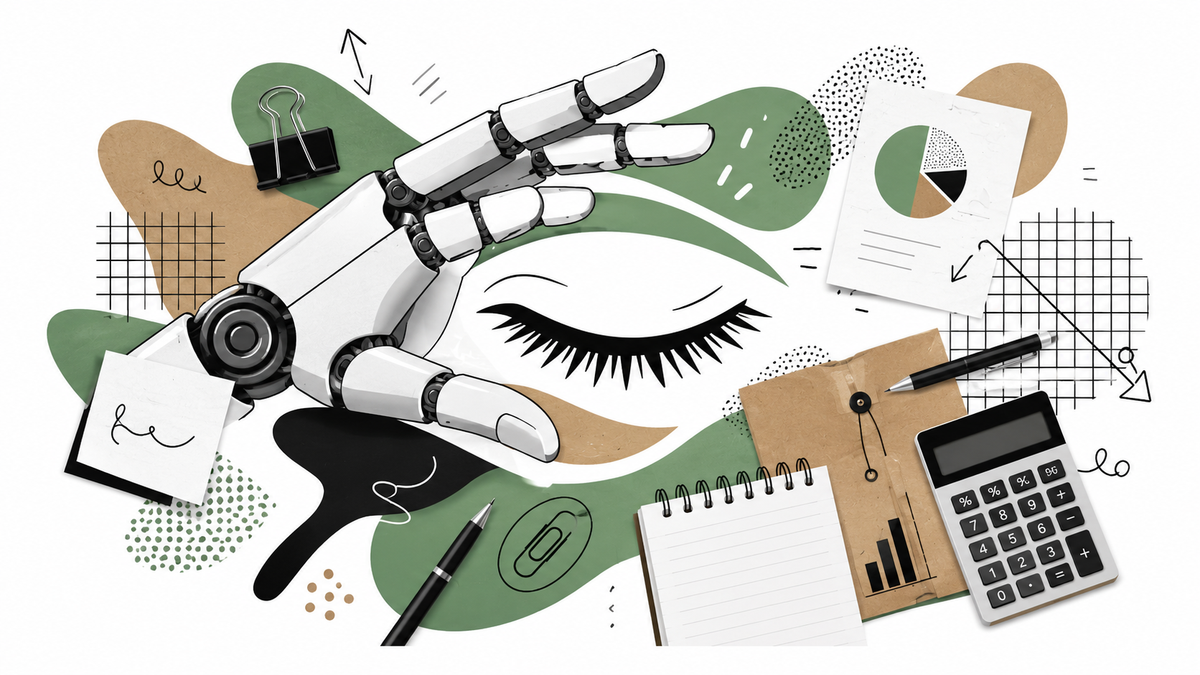
Meeting Necessity Check
A practical check for teams using AI summaries, meeting recaps or automated action notes without accidentally protecting meetings that should have been retired.
Before giving every meeting an AI secretary, ask whether the meeting still deserves to exist on the calendar.
What this guide helps with
This guide helps managers, teams and operators decide whether AI is improving a meeting or simply making the meeting easier to preserve. It works especially well when meeting summaries are spreading faster than meeting discipline.
Why now
AI note-takers are useful, but they can make bad meetings look productive because the output suddenly looks polished. That creates a new habit: instead of removing unnecessary meetings, organisations may just document them better.
The pattern
The pattern is simple: the artifact gets better before the work gets better. A cleaner summary can hide the fact that the same meeting still lacks a decision, owner, outcome or reason to exist.
The check
Write one sentence explaining why the meeting exists. If the answer is “alignment”, keep going until it becomes concrete. For example: decide budget, unblock a project, review customer risk, assign ownership, or share information that cannot be sent another way. If the job is unclear, the AI summary may simply decorate confusion.
Look at the last three meetings and ask what decision came out of each one. A useful meeting should leave a visible trace: a decision, a changed plan, a removed blocker, an assigned owner, or an agreed next step. If the only trace is a nice summary, the meeting may be producing documentation instead of progress.
Do not stop at “the notes are better.” Ask what changed because of the AI. Did the meeting get shorter, did fewer people attend, did decisions become clearer, did follow-up improve, or did everyone simply get a prettier recap? The improvement should be visible in the work, not only in the transcript.
Check whether the same topic keeps returning. If the meeting discusses the same issue every week, the problem may not be note-taking. It may be ownership, decision authority, missing data or fear of closing the topic. AI can record the loop beautifully while the loop keeps eating the calendar.
Use the meeting recap to remove something. That might mean cancelling the meeting, reducing attendees, moving updates to writing, turning it into a decision-only forum, or rotating ownership. The best use of an AI summary may be proving that the meeting no longer needs to happen in its current form.
Some meetings are still valuable because they create trust, judgement, context or shared sense-making, do not delete those blindly. Instead, separate human-value meetings from admin-value meetings. Use AI for admin where useful, but do not let a tool decide that every conversation is just transcript fuel.
Quick examples
| Situation | Better question |
|---|---|
| Weekly status meeting gets AI notes | Did the meeting change the work, or did it simply create a better archive of updates that could have been written? |
| Project meeting produces action items every week | Are those action items closing, or are they becoming a growing garden of polite promises? |
| Team uses recaps for absent colleagues | Could the absent colleague read a short written update instead, or is the live discussion still essential? |
| Leadership meeting has beautiful summaries | Which decisions are traceable, and which issues keep returning despite the improved notes? |
The Satire
After the 2nd recurring, maybe ask your AI secretary one question first: "Should I cancel this meeting instead?"
Related Vieews paths
Chaos scenes spot the contradiction. Signals name it. Guides give you the next simple move.
Chaos
The Blue Blob and the Meeting That Got an AI Secretary
The discovery scene that started this thread.
Signal
AI Can Make Unnecessary Work Easier To Preserve
Use the signal when you want the pattern named clearly.
Playbook
AI Workload Waste Ledger
Use the heavier structure when you need the deeper lens.
Useful context
Use this as a lightweight meeting hygiene check, not a crusade against meetings. Some meetings matter. The point is to stop AI from making unnecessary meetings look more impressive than they are.
These are Vieews, not bibles, use as basic lenses, not prediction, investment advice, legal advice, or a replacement for doing your own investigation. If a line makes the spreadsheet uncomfortable, excellent, ask one more question, tug on that thread (don't get fired!).